
Vape modes can be confusing. Here's a handy guide to some of the most common ones.
If you’re new to vaping, or use a simple pen type, then more advanced vape mods can be a bit overwhelming. They often come with a host of features, and one of these features is adjustable vaped modes. These modes allow you to change the power or the performance of the e-cig. So, let’s start to get these vape modes explained, so that you know which mode to use for the best vaping experience.
The modes covered will be:
Variable Wattage/Voltage
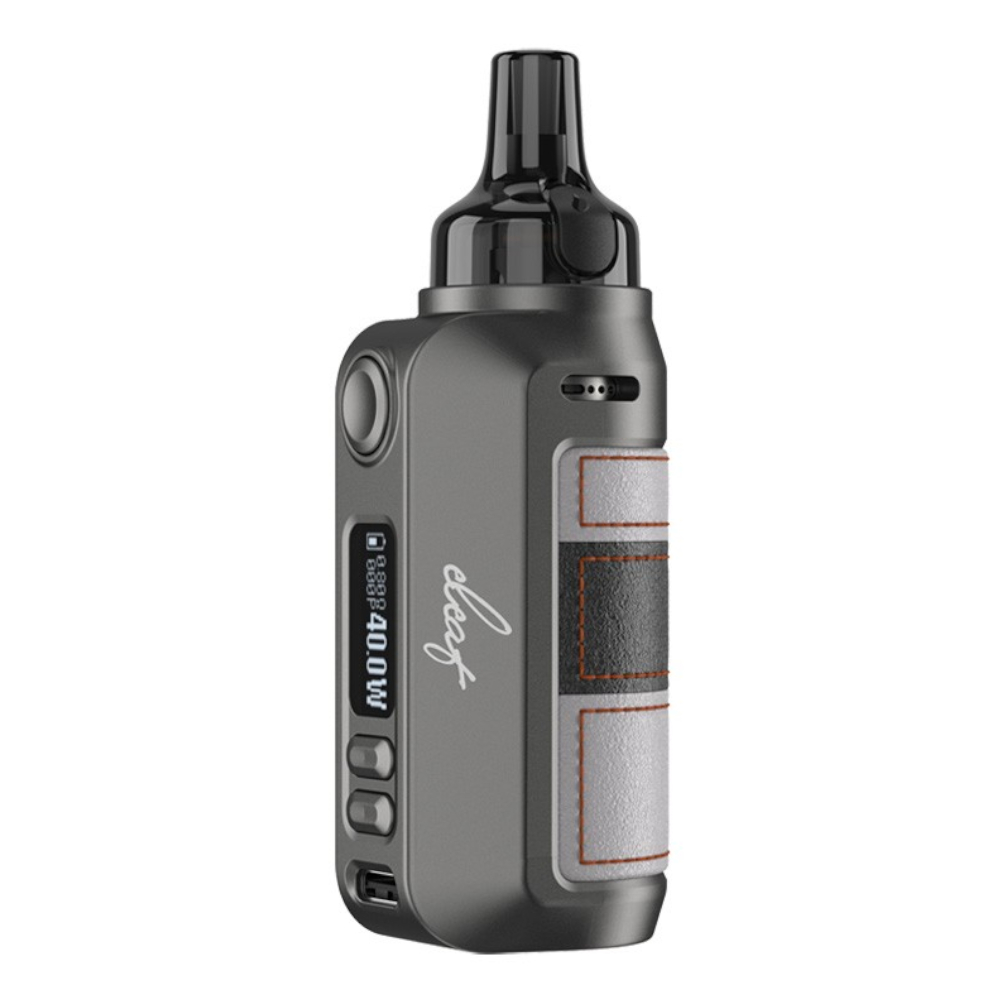
Variable wattage or voltage is the most common modes used with an e-cig. These modes allow you to specifically set the wattage that your device fires at. Wattage and voltage are the same thing, with wattage being a more precise measurement and voltage being a bit broader. It’s like centimetres and millimetres (or feet and inches if you’re old school), with voltage being centimetres and wattage being millimetres. Increasing the wattage gives more vapour and often more flavour. Just remember, keep the wattage within your coils min and max wattage range.
Also, some devices come with a preset wattage feature, sometimes called a memory feature. This allows you save a power setting to a memory slot (m1, m2, m3 etc.). Preset wattage features are great if you’er using different tanks on your mod. So, you can have a stored setting for each.
Vape Modes Explained – Turbo Mode
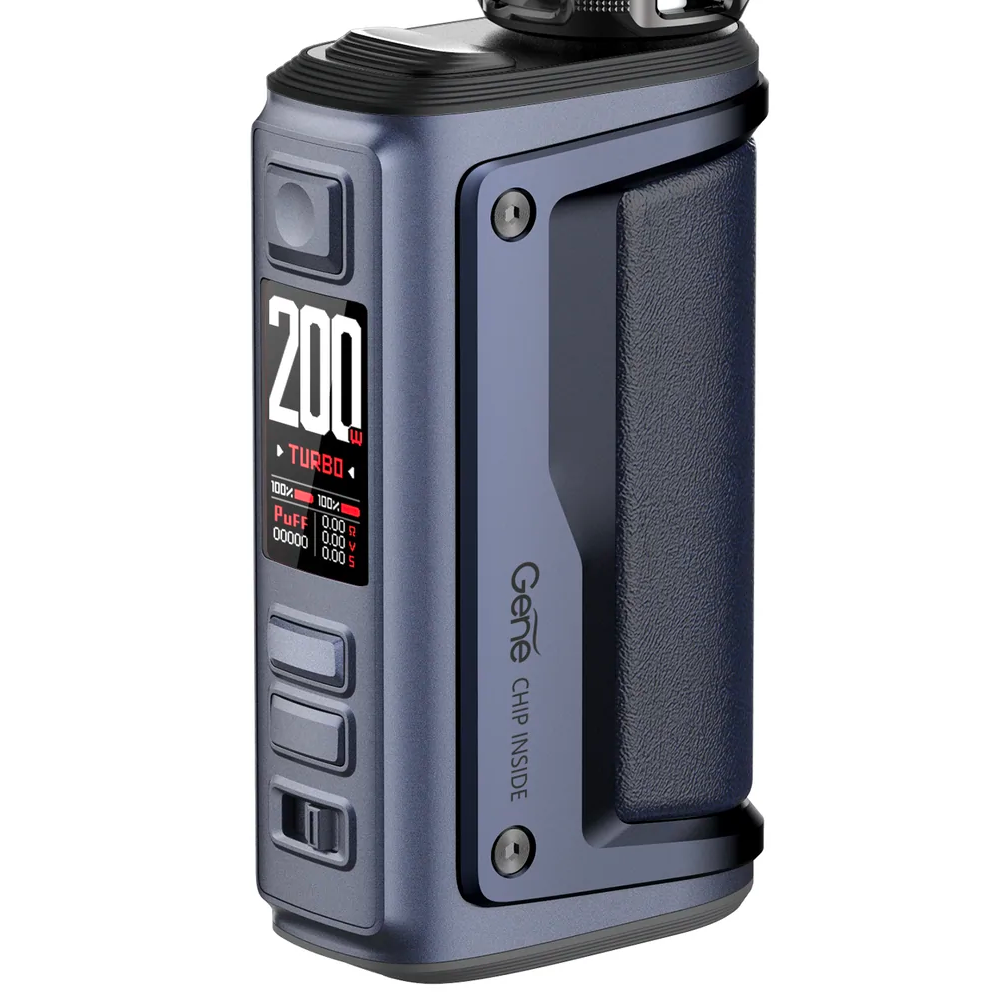
Turbo mode is a unique feature to newer VOOPOO devices. This mode increases the wattage, above what you have set, for a few milliseconds at the start of your draw.
This feature provides a kick of flavour at the start or your draw, adding to your vaping experience.
Bypass Mode
Bypass mode is the simplest mode to use on a variable wattage kit. It basically removes the functions of variable wattage. Instead, the device fires based on the power levels of your batteries. So, if your batteries are full then it’ll fire at full power. If your batteries are low then the draw will be weaker.
This mode makes the device operate like a mechanical mod (mech mod), but still keeps all of the safety features of the kit intact.
Temperature Control
Temperature control mode allows you to set the temperature that your coil heats up to, rather than the wattage your battery outputs. Using this mode means that you’ll take a lot less dry hits, as the coil can’t overheat due to being dry. But, this mode relies heavily on the performance of the mod itself. If it doesn’t respond fast enough, you’ll still get those dreaded dry hits.
Temperature control can only be used with specific coils. Mainly nickel (Ni), titanium (Ti) and stainless steal (SS).
Vape Modes Explained – Smart Mode
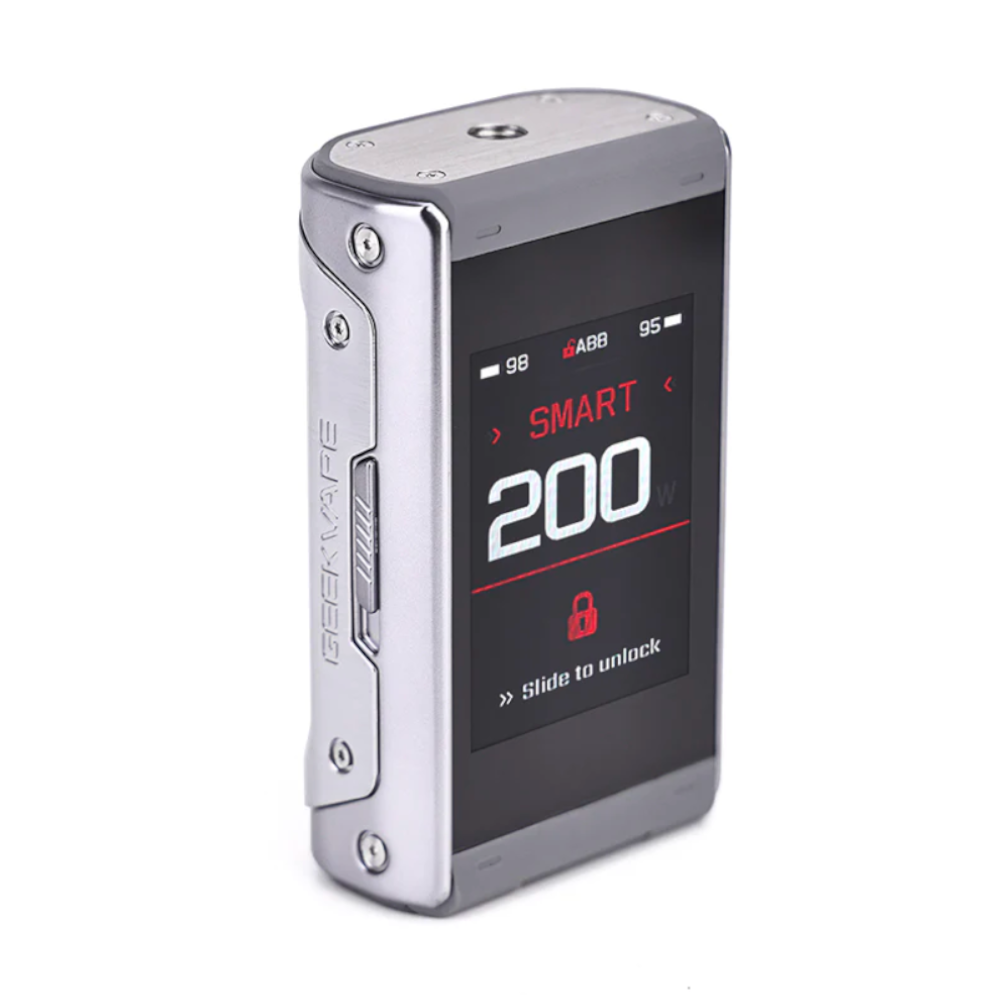
Smart mode is a newer mode that has been added to kits such as the Eleaf iStick Power 2, the GeekVape T200 Aegis Touch and the VOOPOO ARGUS GTII.
Smart mode reads the ohm of your coil and automatically sets the wattage based on the half way point between the minimum and maximum for each coil. VOOPOO devices also restrict the maximum wattage so you can’t move beyond this threshold.