
How To Set Up And Use The JUUL Companion App With Your JUUL2.
In this article...
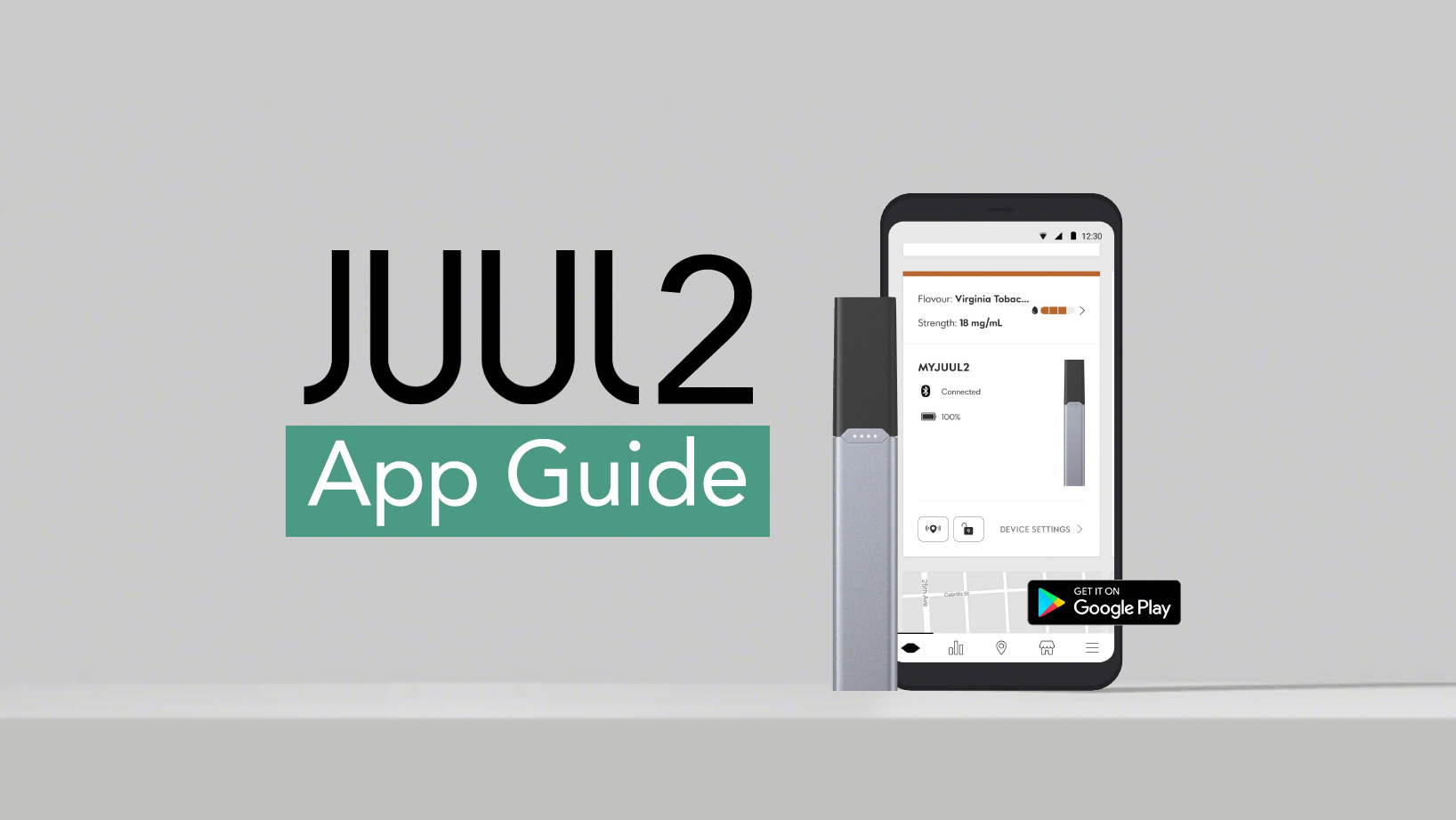
One new and unique feature that comes with JUUL2 is the ability to pair it with the companion app. In this JUUL2 app guide we’re going to go into the app in a little more detail, including how to set it up and what features the app provides. The JUUL2 app is only available for Android devices on the Google Play store and is available here.
Setting Up The Juul Companion App
Step 1
Firstly you’re going to have to install the JUUL App from the Google Play Store. Once installed.
Make sure that the bluetooth settings are switched on for your device.
Step 2
To begin pairing open the app and follow the on screen instructions.
The JUUL2 will need to be within 3 meters of the device in order to connect.
Step 3
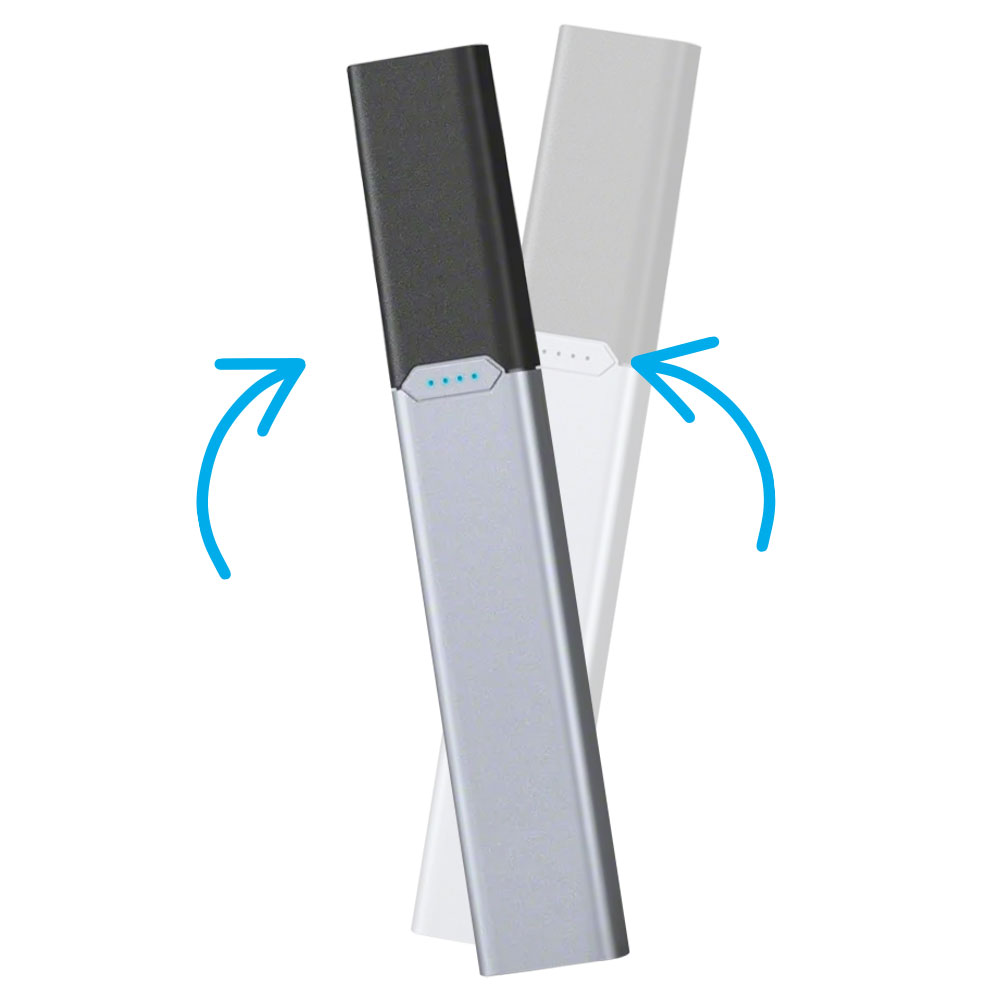
Next, shake the JUUL2 device from side to side until the light bar begins to flash blue.
Once your device has been found and paired, the light will turn to a steady blue.
What Features Does The Juul App Have?
The JUUL app has a wide range of features, so let’s take a look at them in a little more detail.
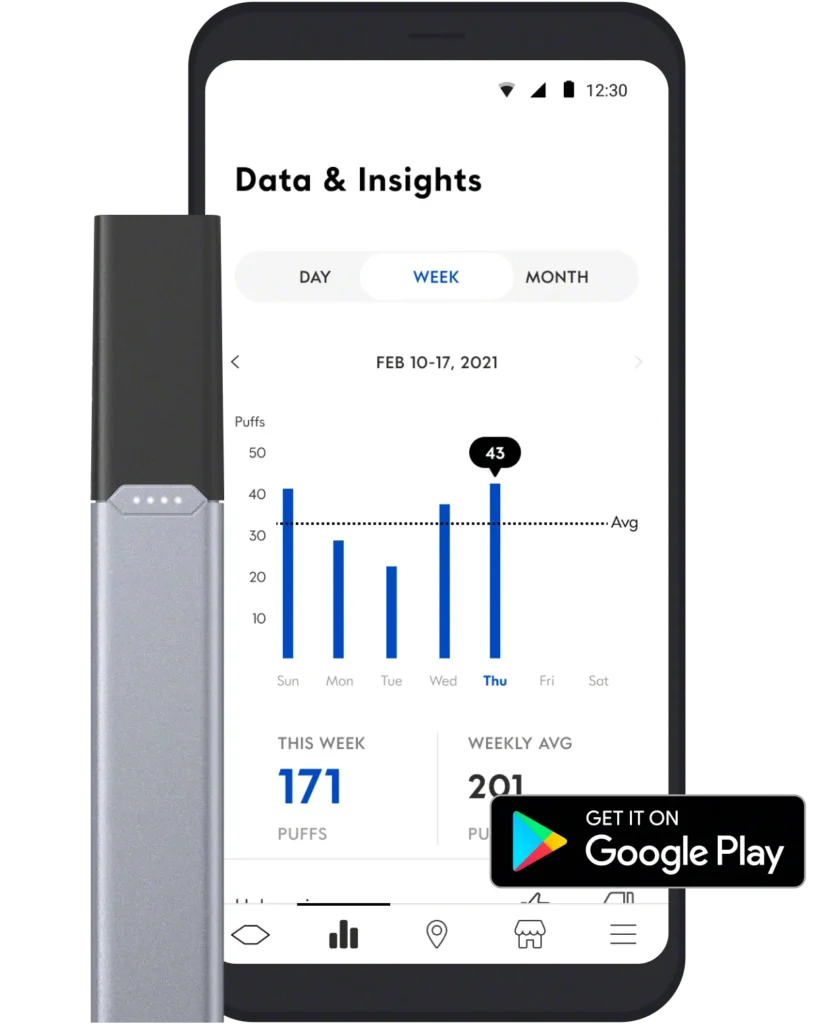
Usage And Data
The usage and data screen shows interesting information about your use of the JUUL device. It can track how many puffs you take in a day and show your daily, weekly and monthly use.
This can be helpful for people who are trying to quit and are using the Juul as a stop smoking tool.
Find Your Lost Device
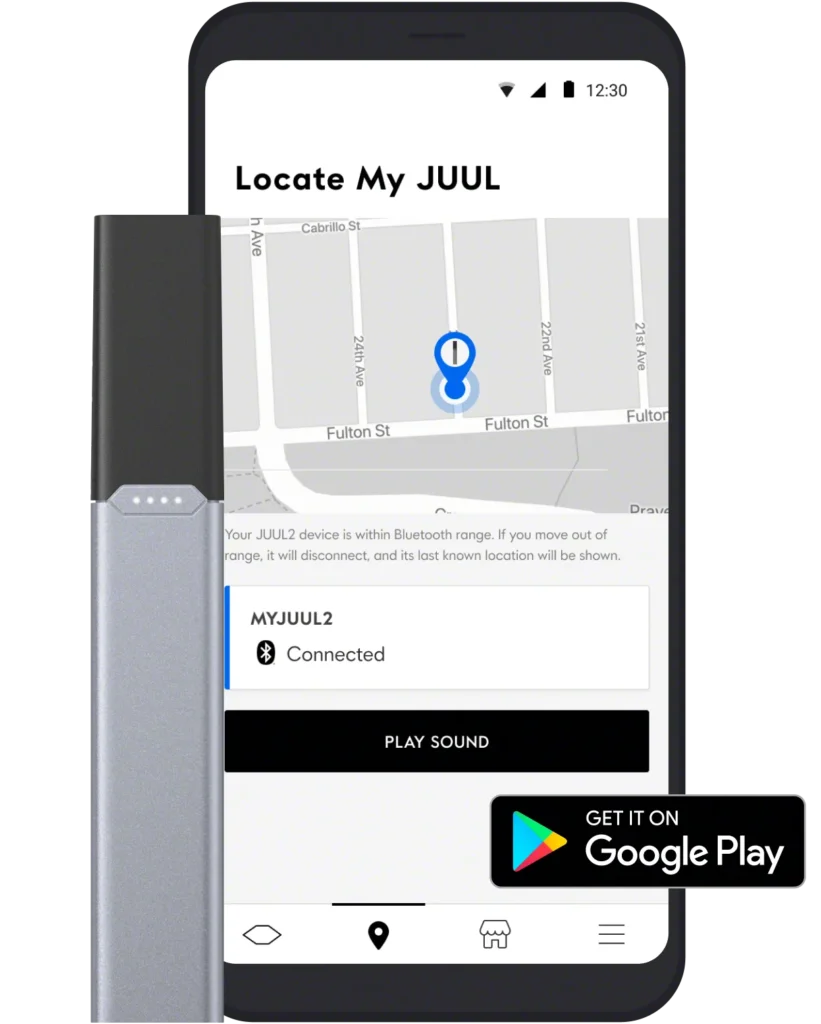
This handy feature allows you to see the location of your JUUL2 device.
If you’ve left your device somewhere outside of the 3 meter range of the app, then the app will show the last location that it was connected.
The app will also let you play a sound to help locate your device once you’re near it.
JUUL Device Info
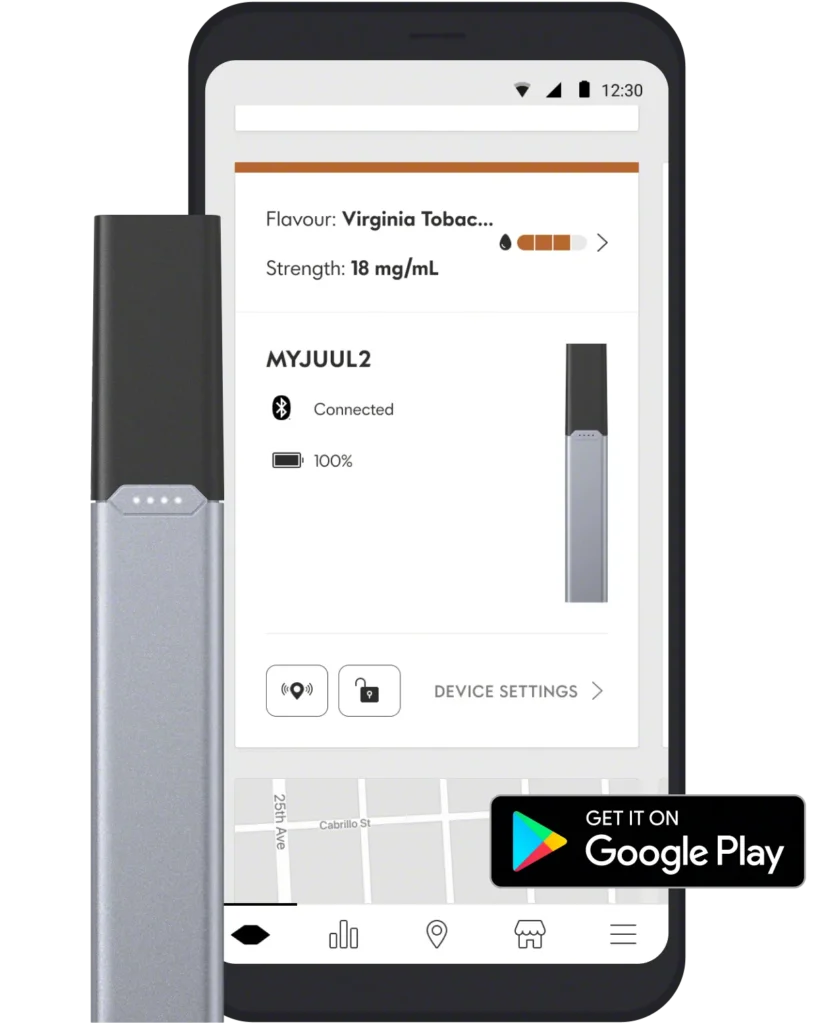
The JUUL app can also display all the info about your device! This includes: liquid levels in the pod, what flavour it is, what strength it is, if it’s a genuine JUUL2 pod and how charged the battery is.
Lock Your Device
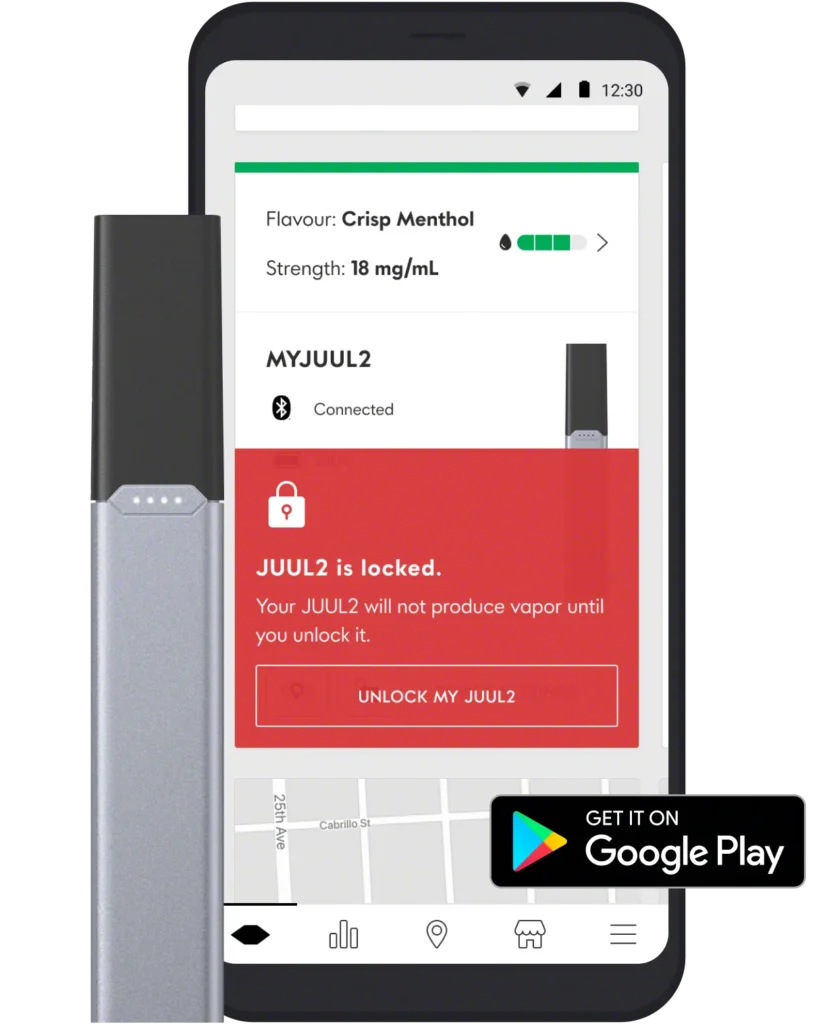
There is also a function in the app that lets you lock your JUUL device. This is a great feature in case you lose your kit, or if it gets into hands of people you don’t want to vape your JUUL.
So, there you have it. A little more information about how to use the JUUL companion app with your JUUL2 device. Was our JUUL2 app guide helpful? If you’d like to get your own JUUL2 then feel free to check out our store.